
Building Workflows
Define steps, loops, conditions, and parallel execution in workflows.
Workflows are a powerful way to orchestrate your agents and teams. They are a series of steps that are executed in a flow that you control.
Building Blocks
- The
Workflowclass is the top-level orchestrator that manages the entire execution process. Stepis the fundamental unit of work in the workflow system. Each step encapsulates exactly one executor: anAgent, aTeam, a custom Python function, or a nestedWorkflow. This design ensures clarity and maintainability while preserving the individual characteristics of each executor.Loopis a construct that allows you to execute one or more steps multiple times. This is useful when you need to repeat a set of steps until a certain condition is met.Parallelis a construct that allows you to execute one or more steps in parallel. This is useful when you need to execute a set of steps concurrently with the outputs joined together.Conditionmakes a step conditional based on criteria you specify.Routerallows you to specify which step(s) to execute next, effectively creating branching logic in your workflow.
Note
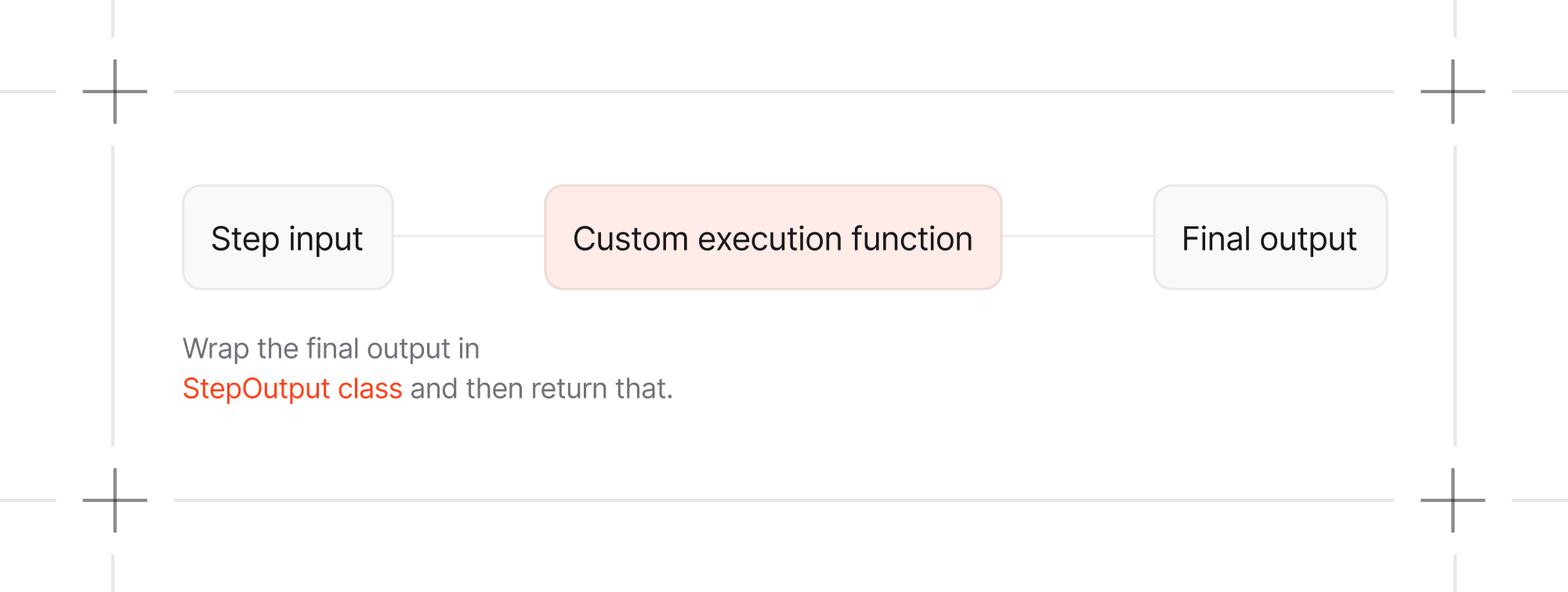
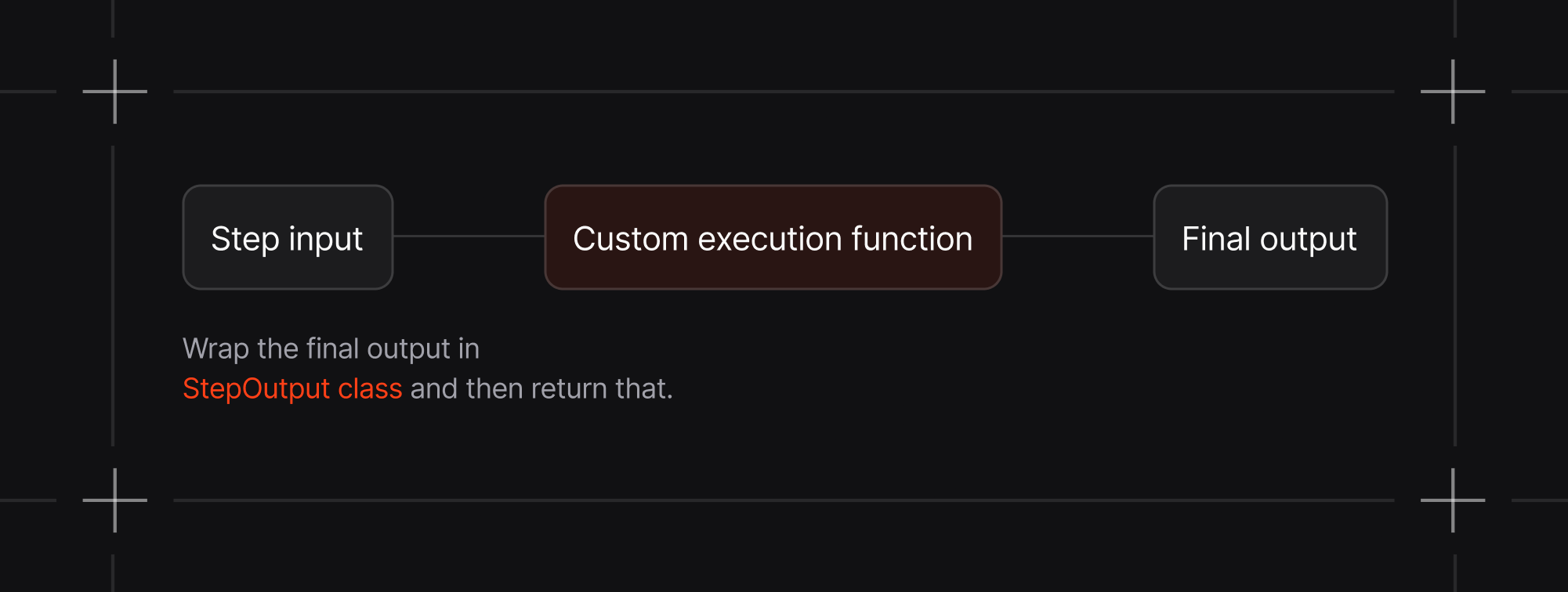
When using a custom Python function as an executor for a step, StepInput and
StepOutput provides standardized interfaces for data flow between steps:
How to make your first workflow?
There are different types of patterns you can use to build your workflows. For example you can combine agents, teams, and functions to build a workflow.
1from kern.workflow import Step, Workflow, StepOutput23def data_preprocessor(step_input):4 # Custom preprocessing logic56 # Or you can also run any agent/team over here itself7 # response = some_agent.run(...)8 return StepOutput(content=f"Processed: {step_input.input}") # <-- Now pass the agent/team response in content here910workflow = Workflow(11 name="Mixed Execution Pipeline",12 steps=[13 research_team, # Team14 data_preprocessor, # Function15 content_agent, # Agent16 ]17)1819workflow.print_response("Analyze the competitive landscape for fintech startups", markdown=True)